The Acer Aspire S 13 – lightweight, slim, and packed with specs that are very capable of getting work done on the go.
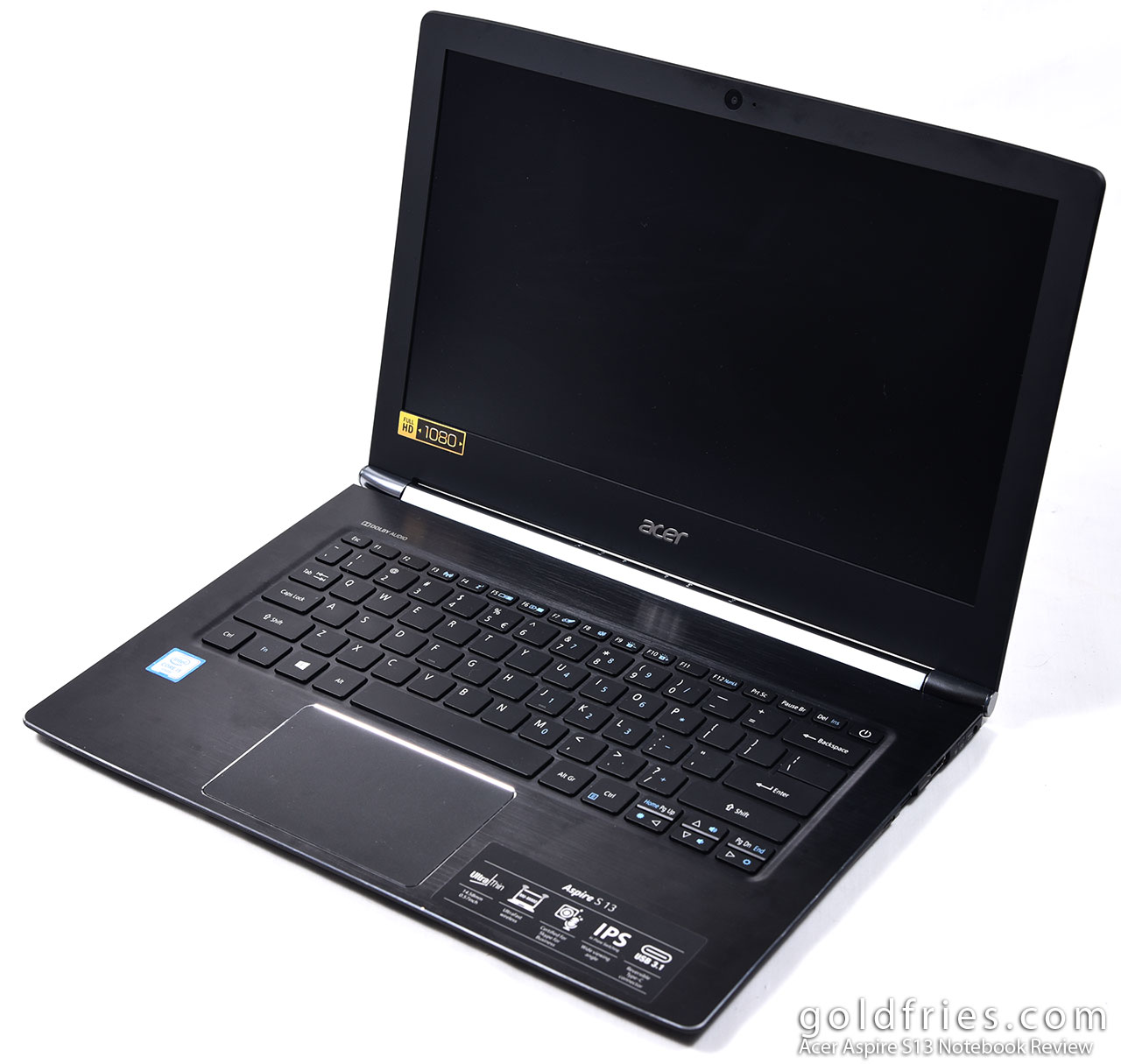
Now it’s not that low-end notebooks can’t get work done but it’s just about how fast it gets work done, the model I have with me here retails at RM 2,799 and it comes with Intel Core i5-6200U processor, 4GB DDR3 RAM, 128GB SSD and an IPS panel 13.3″ Full HD screen.
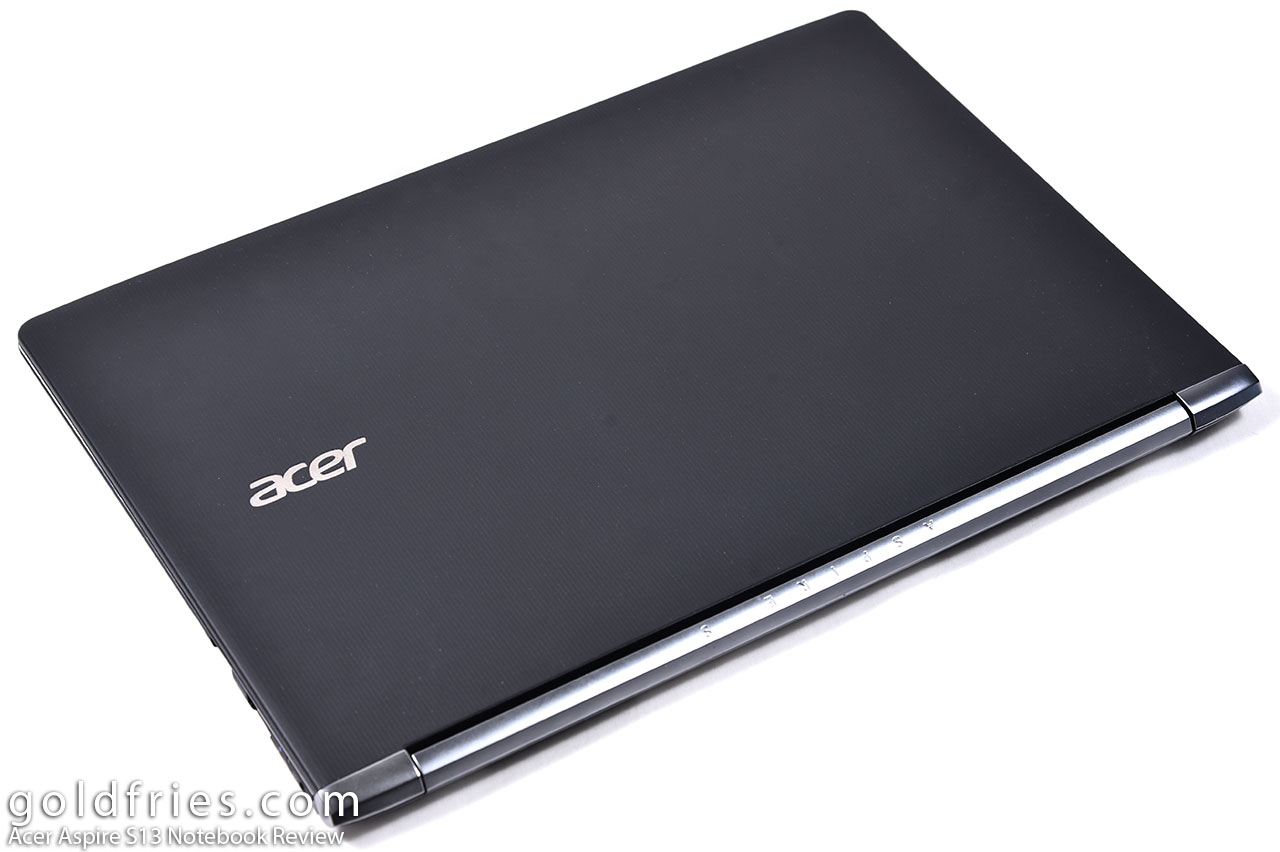
At the back of the screen, the Aspire S 13 seems to be a matte surface plastic with grooves going from end to end and giving it a classy look, and it’s not a finger-print magnet.
The unit comes with a huge touchpad and full-sized keyboard that’s with white LED backlit.


The Aspire S series comes with beautifully designed trim along the hinges, this somehow reminds me of the Acer Aspire V Nitro gaming notebook.

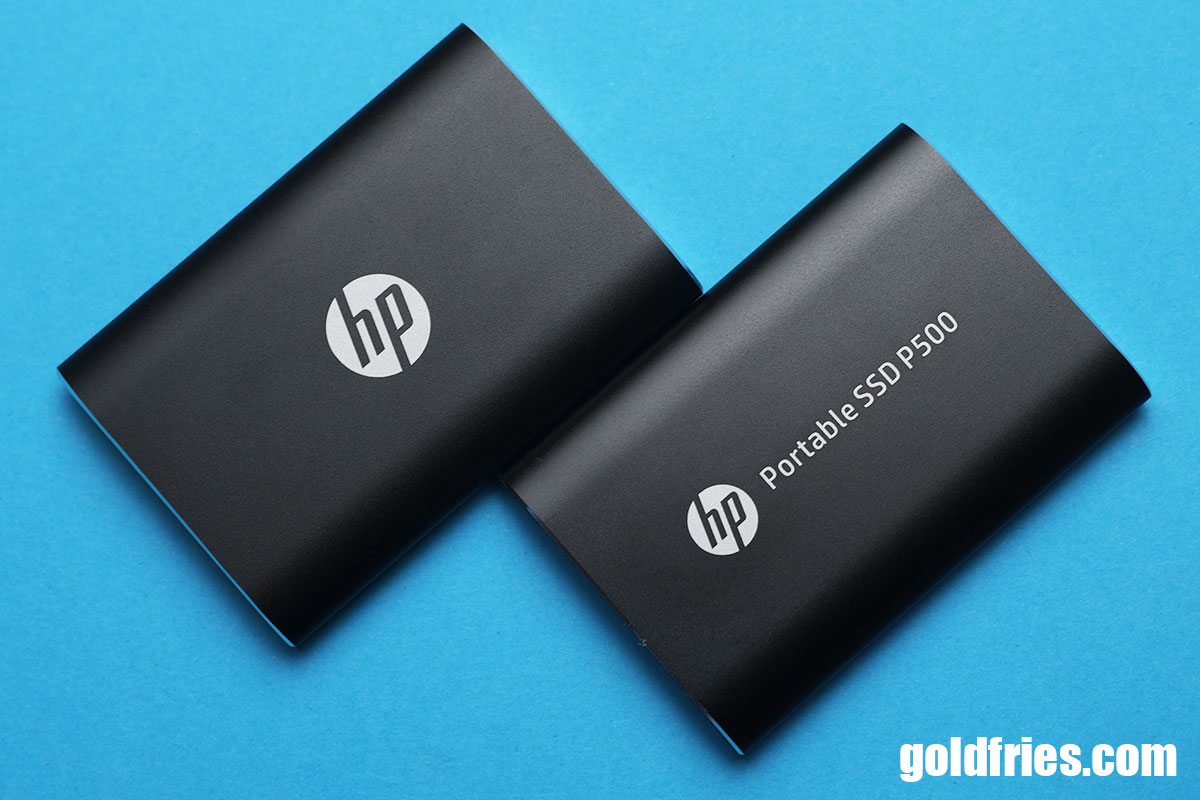
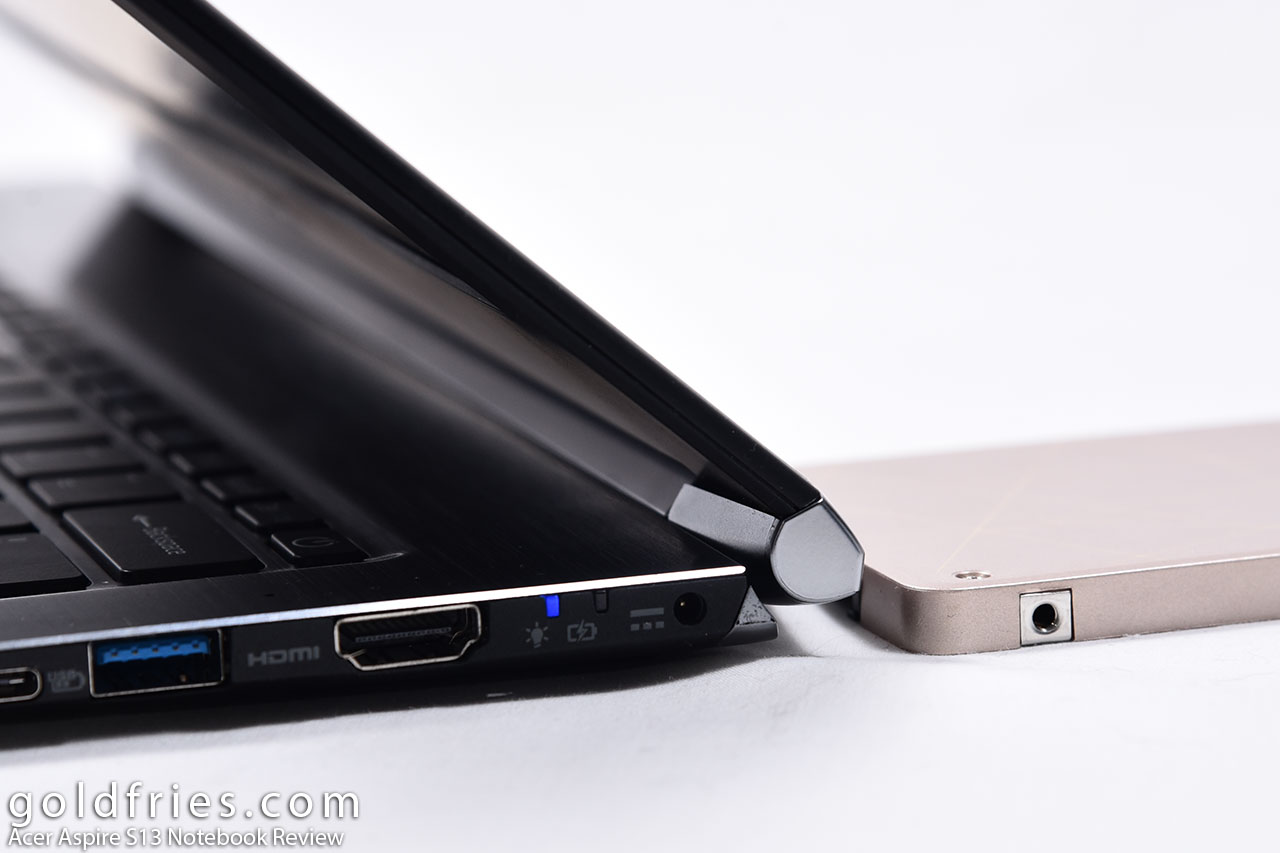
I mentioned “thin” earlier so just how thin is the Acer Aspire S 13? Here’s a comparison between the notebook and an SSD, pretty thin, right?
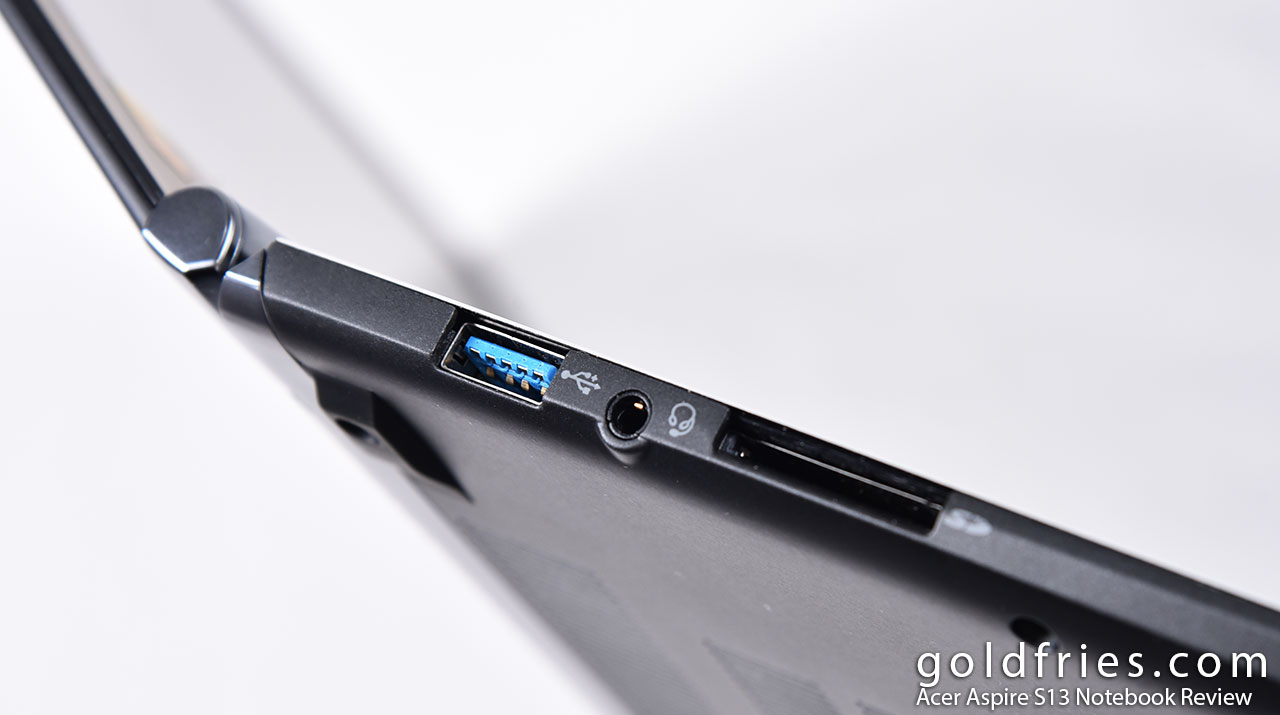
On the left side of the Aspire S 13 are the USB 3.0 port and SD card reader.
As for the right side of the unit it has a USB Type-C port, USB port, HDMI output and the power connector with charge / operation indicator.

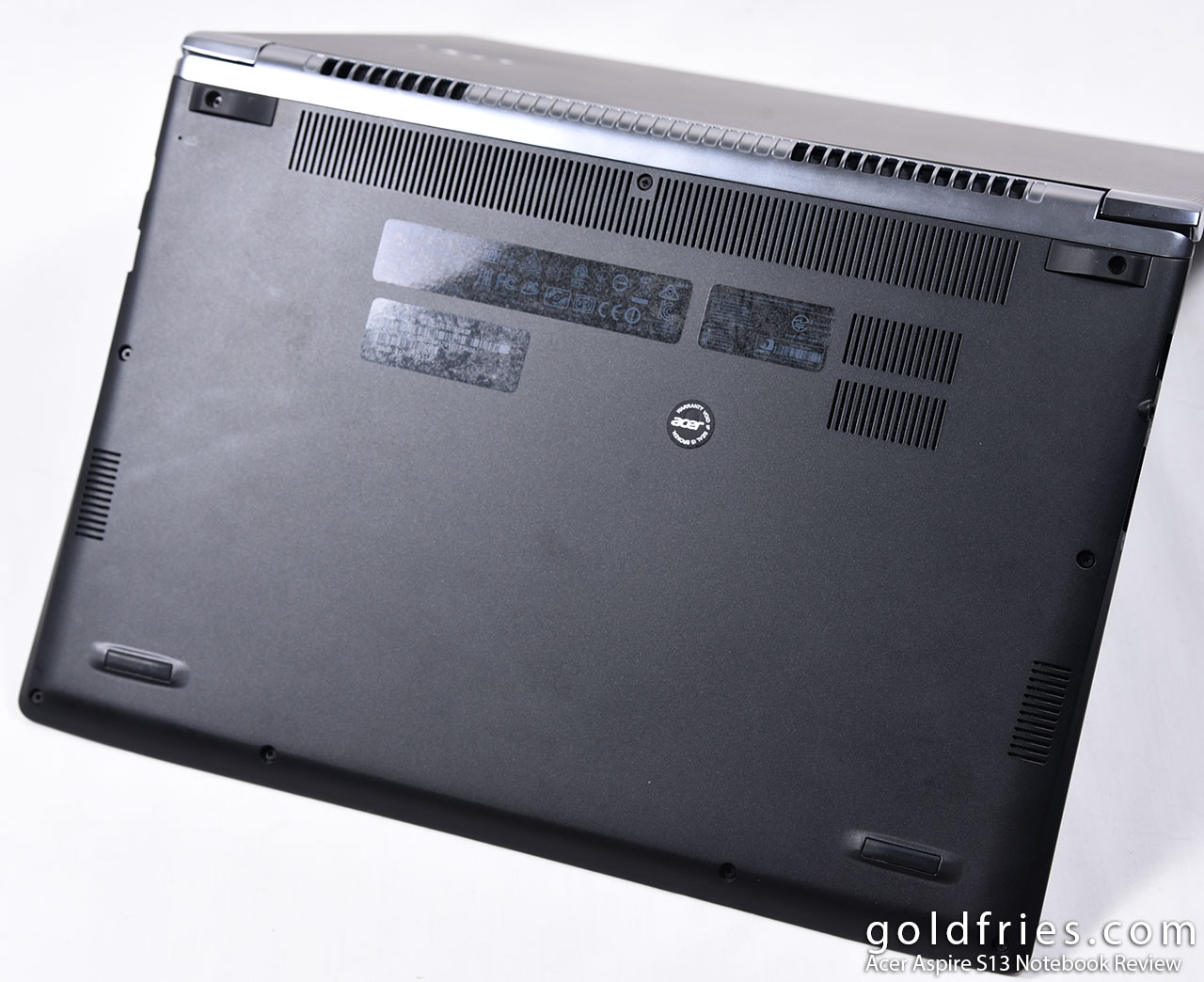
Lastly here’s the bottom view, the speakers are placed at the vents on the side that’s towards the front.
User Experience
What’s neat about the Acer Aspire S 13 is the size, it’s a compact 13″ notebook that weighs only 1.3Kg which is a lot lighter than say a 15″ gaming notebook at some 2Kg range. As for getting work done on the go the Aspire S 13 doesn’t disappoint, I could work hours on end without having to resort to the charger, a realistic operational time would be around 5 to 8 hours while 11 hours is quite stretching it.
Screen wise the IPS display panel is superb, the color output is great and can be made better with color calibration tool.
Visuals aside, the Aspire S 13 excels in audio output. Don’t expect it to be like some high-grade speakers but what I like is that it sounds great with no signs of muffle nor echo, and it is capable of pumping out audio at high volume. Love it!
The Benchmarks
x264 – 10bit to 8bit Video Conversion
The source video is a 720p MKV file that is 90 seconds in duration. x264 settings at the slowest.
| Processor | Time Taken (seconds) |
| Intel Core i5-6200U | 436 |
| Intel Core i3-6100 | 315 |
| Intel Core i5-6600K | 197 |
| Intel Core i7-6700K | 141 |
Now don’t be disappointed by the benchmark, this is a mobile Core i5 and it is understandable that the performance is as such. Firstly it’s a dual-core processor with 4-threads and it’s a 25W processor so having a performance that’s behind a Core i3 processor that draws twice the power and has 50% greater clock speed.
Temperature
X264 10bit to 8bit conversion was used to stress the card. Fan settings are at Auto. Room set to ~25c.
| Processor | Idle(°C) | Load (°C) |
| Intel Core i5-6200U | 35 | 64 |
Power Consumption
The stress was done with X264 10bit to 8bit conversion. Power consumption reading was taken from the watt-meter, actual power draw by the entire system from the wall point. I’m using an Cooler Master 700W with ~90% efficiency.
| Benchmark | Idle (Charging) | Load |
| Wall Draw | 35 | 43 |
The Verdict
It’s such a lovely device, the Acer Aspire S 13 comes in a few flavors and this is the lowest end model that retails at RM 2,799. I love it to bits, considering the size, weight, display panel and performance. Did you know that I could even play Overwatch on this notebook? Pretty cool, considering it’s not even a gaming notebook. Awesome stuff Acer, now if only you guys give it 8GB of RAM instead of 4GB it would’ve been perfect!